For staff
Your payslips
See what you were paid for each pay period, and print a payslip.
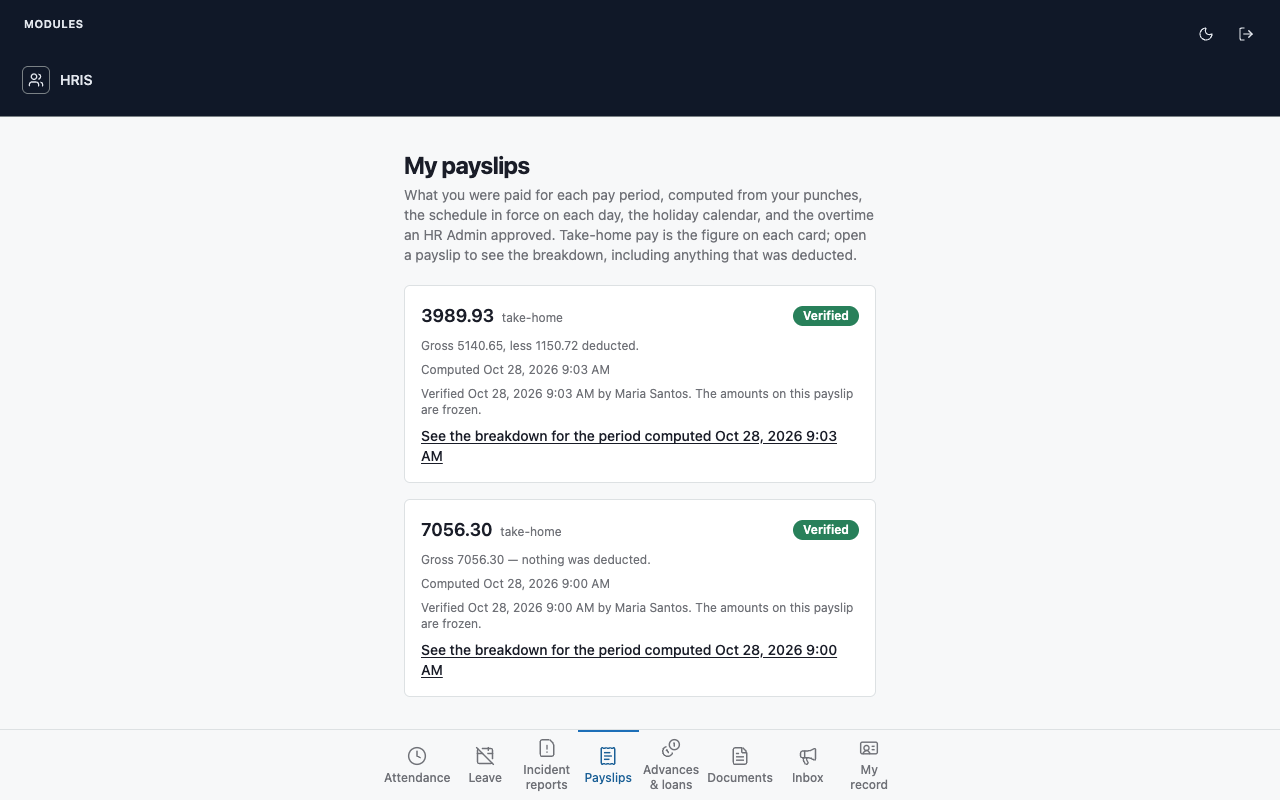
Open a payslip
- Sign in, and open HRIS from the Modules list if it is not already open.
- Open "My payslips".
- On the payslip you want, click "See the breakdown for the period…".
- The payslip shows your "Gross pay", "Deductions" and "Take-home pay", with every item listed under "Breakdown".
Print a payslip
- Open the payslip.
- Click "Print this payslip".
- If something on your payslip looks wrong, ask your HR Admin.