For staff
Your loans and cash advances
Apply for a company loan or ask for a cash advance, and follow your repayments.
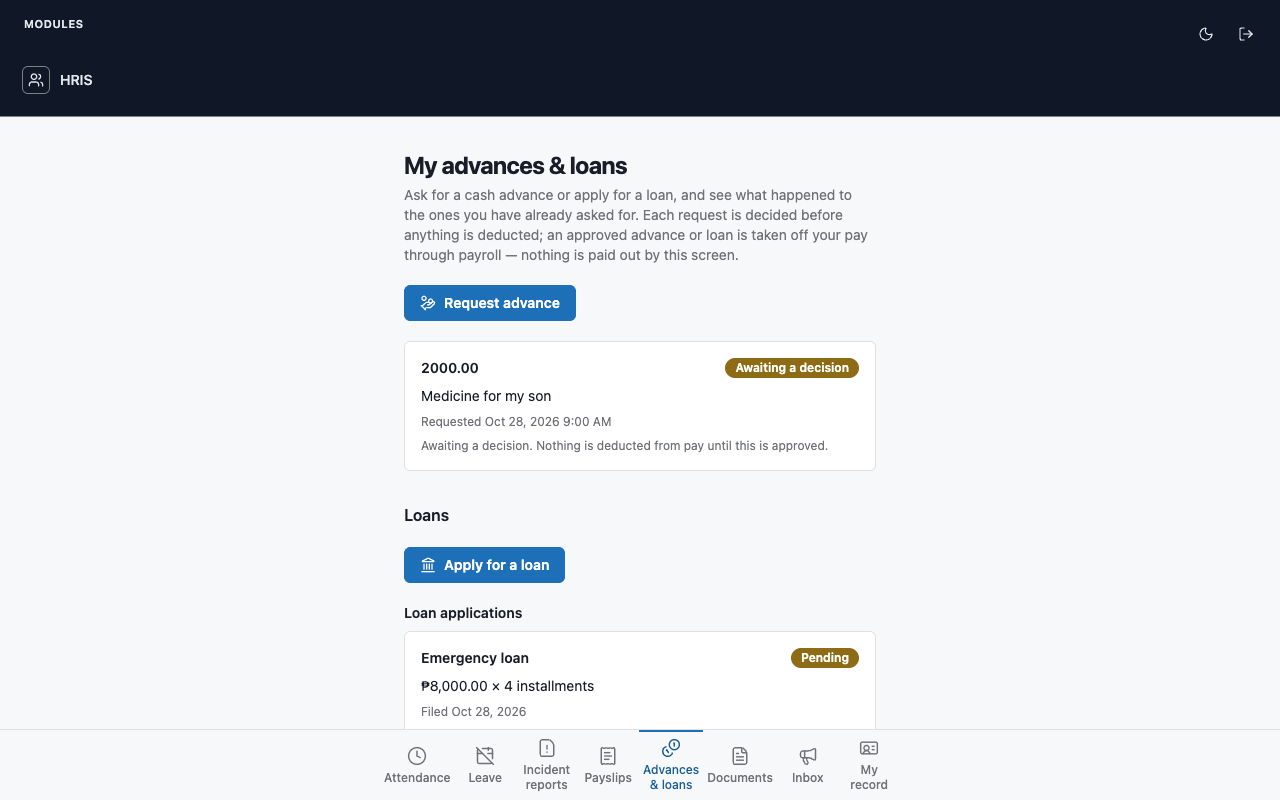
Apply for a loan
- Open "My advances & loans".
- Click "Apply for a loan".
- Choose the "Loan type", and type the "Amount (₱)" and the "Term (installments)".
- Check the installment shown as you type, and add a "Reason".
- Click "Send application".
- Your HR Admin may approve a different amount or term. Once approved, the installments are taken from your pay.
- Your applications and approved loans are listed under "Loans" on the same screen.
Ask for a cash advance
- Open "My advances & loans".
- Click "Request advance".
- Type the "Amount" and what it is for.
- Click "Send request".
- An HR Admin decides each request. It is listed on the same screen with its status. Nothing is taken from your pay until it is approved.