For staff
Your leave
Check your leave balances, file leave and cancel a request.
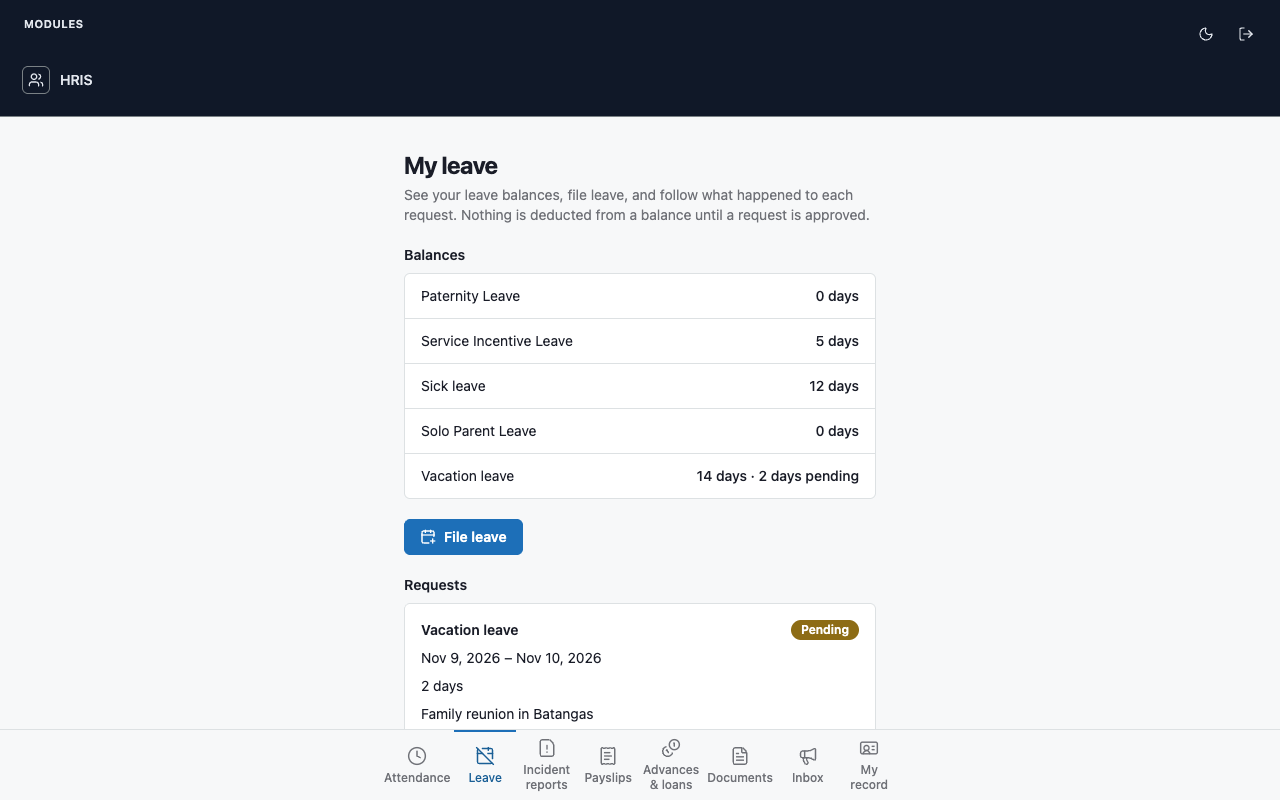
File leave
- Open "My leave". Your balances are shown under "Balances".
- Click "File leave".
- Choose the "Leave type", and the "From" and "To" dates.
- Tick "Half day on the first day" or "Half day on the last day" if you need only half of that day.
- Type a "Reason". Add an attachment, such as a medical certificate, if the leave type asks for one.
- Click "Send request".
- Nothing is taken from your balance until the request is approved. You can follow it under "Requests".
Cancel a request
- Open "My leave" and find the request under "Requests".
- If it is still pending, click "Cancel request", then confirm.
- If it was already approved, click "Request cancellation", type a "Reason" and confirm.
- An approved request stays approved until the cancellation is approved. Only then do the days go back into your balance.