For staff
Announcements and memos
Read announcements from HR and acknowledge the memos sent to you.
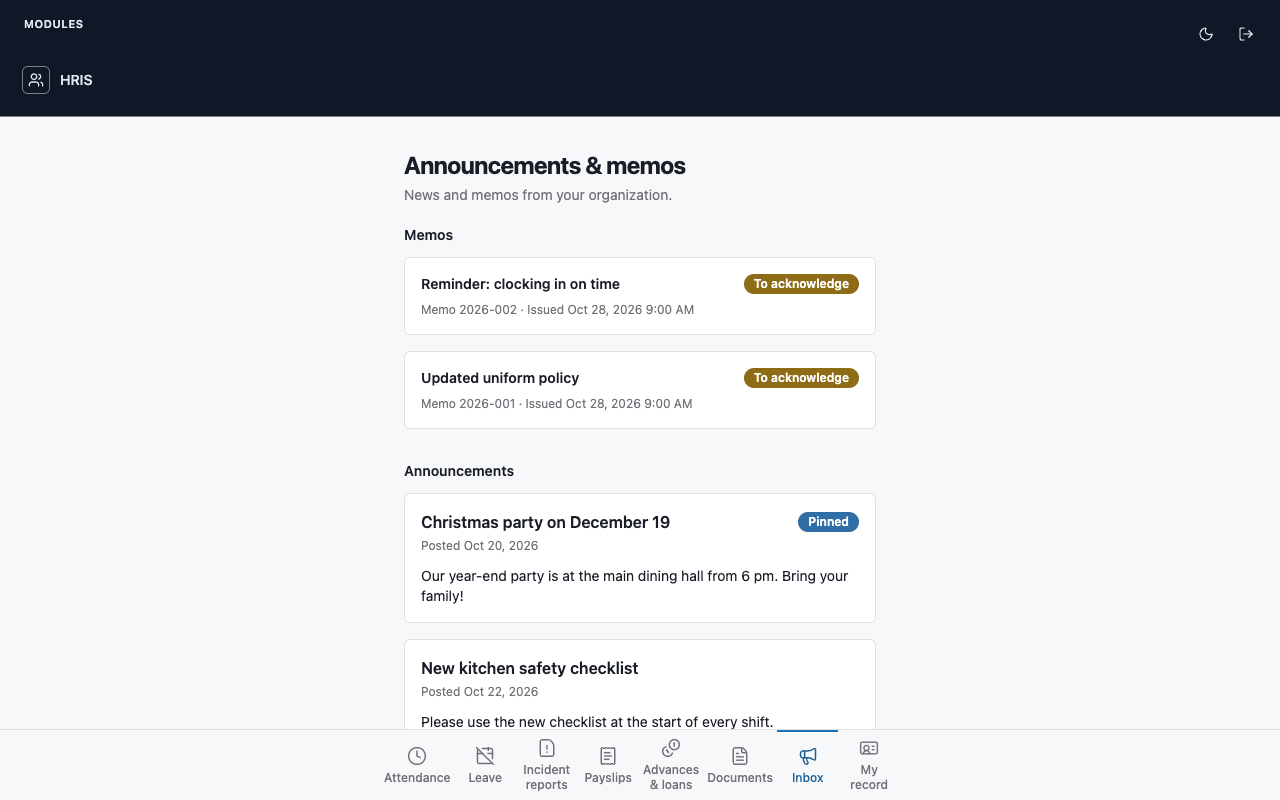
Read announcements
- Open "Announcements & memos".
- Scroll to "Announcements". Pinned announcements come first, then the newest.
Acknowledge a memo
- Open "Announcements & memos". Your memos are listed under "Memos".
- Click a memo marked "To acknowledge" to open it, and read it.
- Click "I have read this memo", then confirm.
- HR sees that you read the memo and when. This cannot be undone.
- The memo then shows "Acknowledged" with the date and time.